|
Security Options |
|
Purpose |
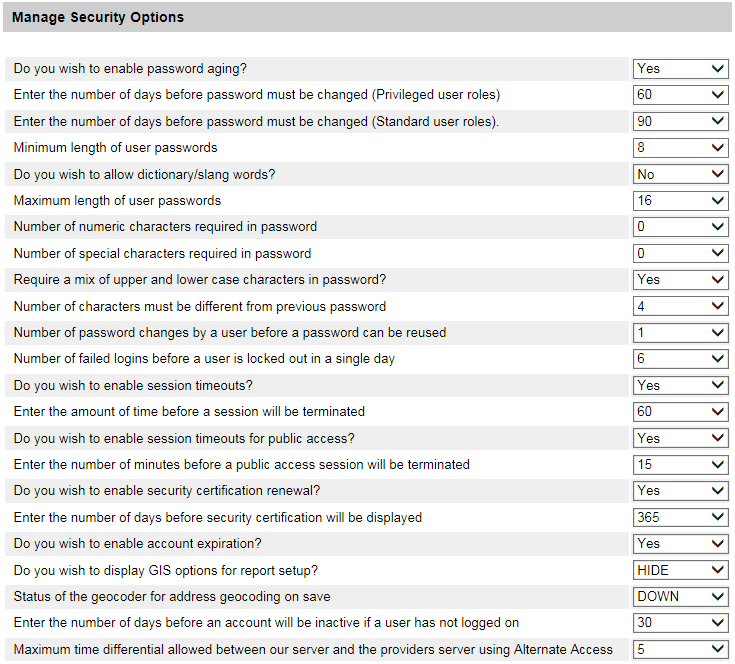
The screen is used to control security options by user roles.
Use the drop-down menus to view the options.
Under "Role Listing", highlight a role and then click on "Add" to make the role active and have it appear under "Selected Role"
"Add All" will move all roles to active, just as "Remove All" will delete all roles. Use "Remove" for single item changes.

Remember to "Save" or "Cancel" at the end of your session.